
How to photograph your product for Instagram
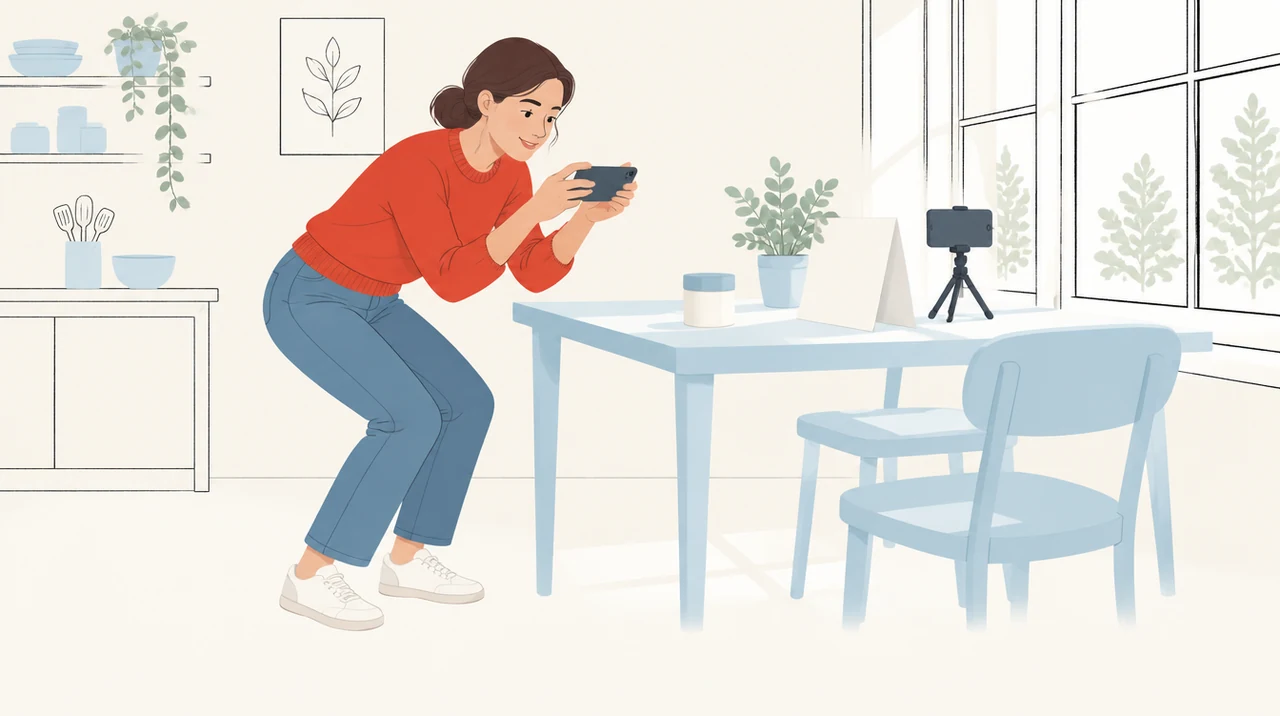
Most guides to product photography are written to sell you equipment. They start with the camera body, move on to lenses and lights, and by the end you are four hundred pounds down and still photographing a jar on a kitchen table.
The camera has not been the problem for about a decade. A phone from the last four years resolves more detail than the cameras most online shops were shooting on in 2015. What it cannot do is decide where the light comes from, and light is what separates a photo people scroll past from one they stop on.
What the money is actually for
Almost none of it is the camera.
What a working setup costs
If you shoot in daylight you can skip the lamp and spend thirty four.
Put the product next to a window
Find the largest window in the building and work beside it, at ninety degrees to the glass rather than facing it. Light coming from the side rakes across the surface of a thing and shows you its texture. Light coming from behind the camera flattens it out, and that is what makes photos taken with the phone flash look like evidence.
An overcast day is better than a bright one. Cloud is a diffuser the size of the sky, and it gives you soft shadows with edges you can actually see through. Direct sun through a window gives you a hard-edged shadow and a blown-out highlight on anything shiny.
Then put a piece of white card on the dark side of the product, about a foot away, angled back towards it. That card is bouncing light into the shadow, and it will do more for the photograph than any amount of editing afterwards. Foam board from a stationers costs about four pounds and lasts years.
Pick a background and then stop thinking about it
Three options are worth knowing, and you only need one.
A sweep is a single sheet of paper curved up the wall behind the product, so no line shows where the surface meets the background. It is the cleanest option and the easiest to cut out later if you need the product on a white page.
A horizon line is the opposite: you let the join show, so the product is clearly sitting on something. It gives you depth, at the cost of having to match that line across every photo in the set, which is harder than it sounds once you have shot forty of them.
The third is the room itself. Put the thing on a worktop, a bathroom shelf, a desk. It tells somebody where the product lives and roughly how big it is, and for Instagram specifically it usually beats the other two, because the feed is full of people's houses and an unbroken white sweep reads as an advert.
Frame it at 4:5 and leave yourself room
Instagram will let you post a photo at 4:5, which is taller than square and takes up more of a phone screen than anything else it allows. Shoot for that.
Shoot slightly wider than you think you need. Cropping in later costs you nothing. Discovering that you cut the lid off costs you the session. It is also worth locking the phone on a tripod and leaving it there, because then every photo in the set shares a frame and the grid looks deliberate rather than assembled.
Vary the angle rather than the setup. Straight on for the shot that has to show what the thing is. Around forty five degrees and slightly above for the one that shows it has depth. Low and close for the one that makes it look substantial. The back of the packaging for the one that answers what is in it.
The order that stops you redoing it
One session, in order
Working in that order takes an afternoon for a catalogue of twenty. Working out of order takes two afternoons and the photos still will not match.
Edit less than you want to
Whatever you shoot, apply the same adjustment to all of it. Most phone editors let you copy settings from one photo to the next, and consistency across the set matters more than any individual picture being perfect.
Lift the exposure slightly, pull the highlights down if anything is glaring, and leave the saturation alone. The most common mistake is pushing colour until the product no longer matches what arrives in the box, which generates returns and the kind of review you cannot delete.
If you are going to need the product on a plain white page later, shoot those frames on the sweep and keep them separate. Cutting a product out of a photo of a kitchen is an hour you will not get back.
What to check before you call it done
Open the photos on a phone, not a laptop. That is where they will be seen, and a shot that looks fine at full size can turn out to be unreadable at the size of a thumbnail in a feed.
Look for the thing you already know is wrong. The seam on the label that faces the wrong way, the reflection of you in the jar, the crumb on the worktop. You will see all three, and they take five minutes to fix while the light is still where you left it.